Academic AI · Formula intelligence · Teamwork
The AI-Powered Online LaTeX Editor for Academic Teams
Rewrite selected passages in a more academic voice, turn formula images or plain-language descriptions into editable LaTeX, and work with coauthors in the same source-to-PDF workspace.
Begin with a blank project, an editable example, or your existing LaTeX ZIP archive.
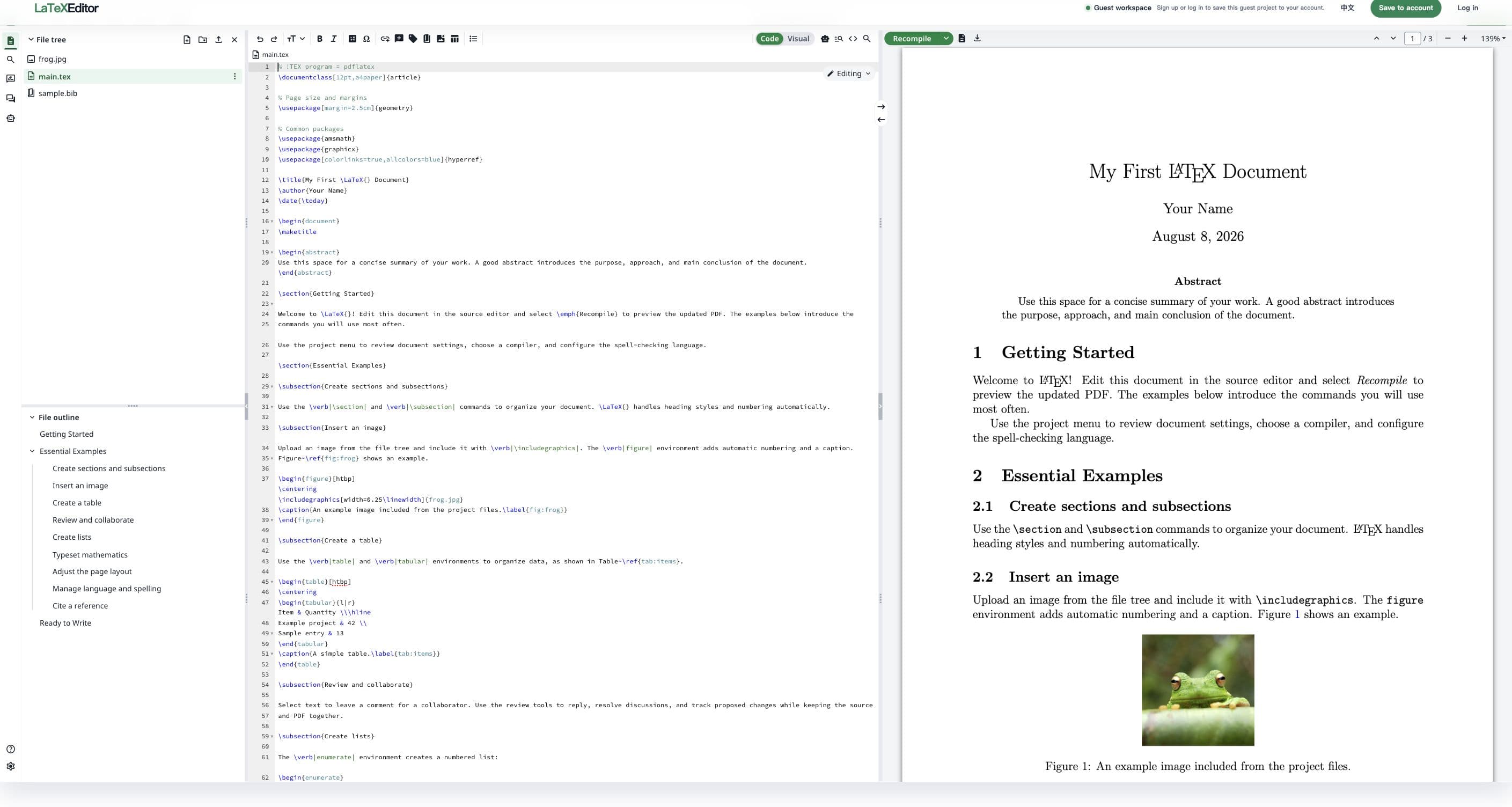
One project. Three hard problems solved.
A research workflow that stays inside your LaTeX document
Move from an early draft to a reviewed PDF without sending text, equations, and document copies through separate tools. The assistance appears where the academic work is already happening.
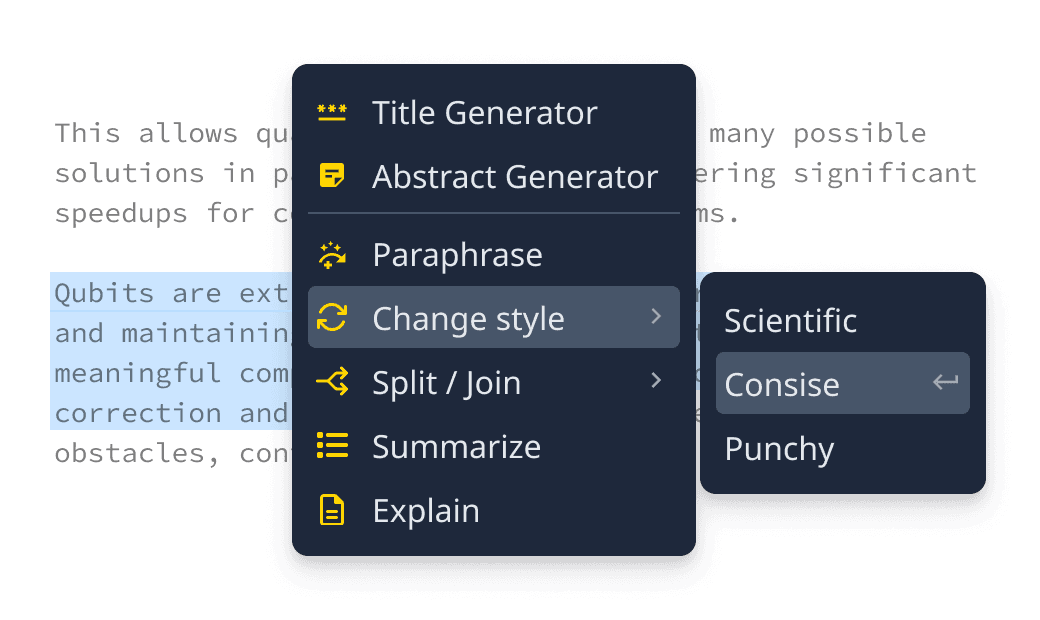
Write, then refine with academic AI
Select the passage that needs work. Rewrite it with a specific instruction, make the tone more academic, generate a title or abstract, or review sentence-level language suggestions before changing the source.
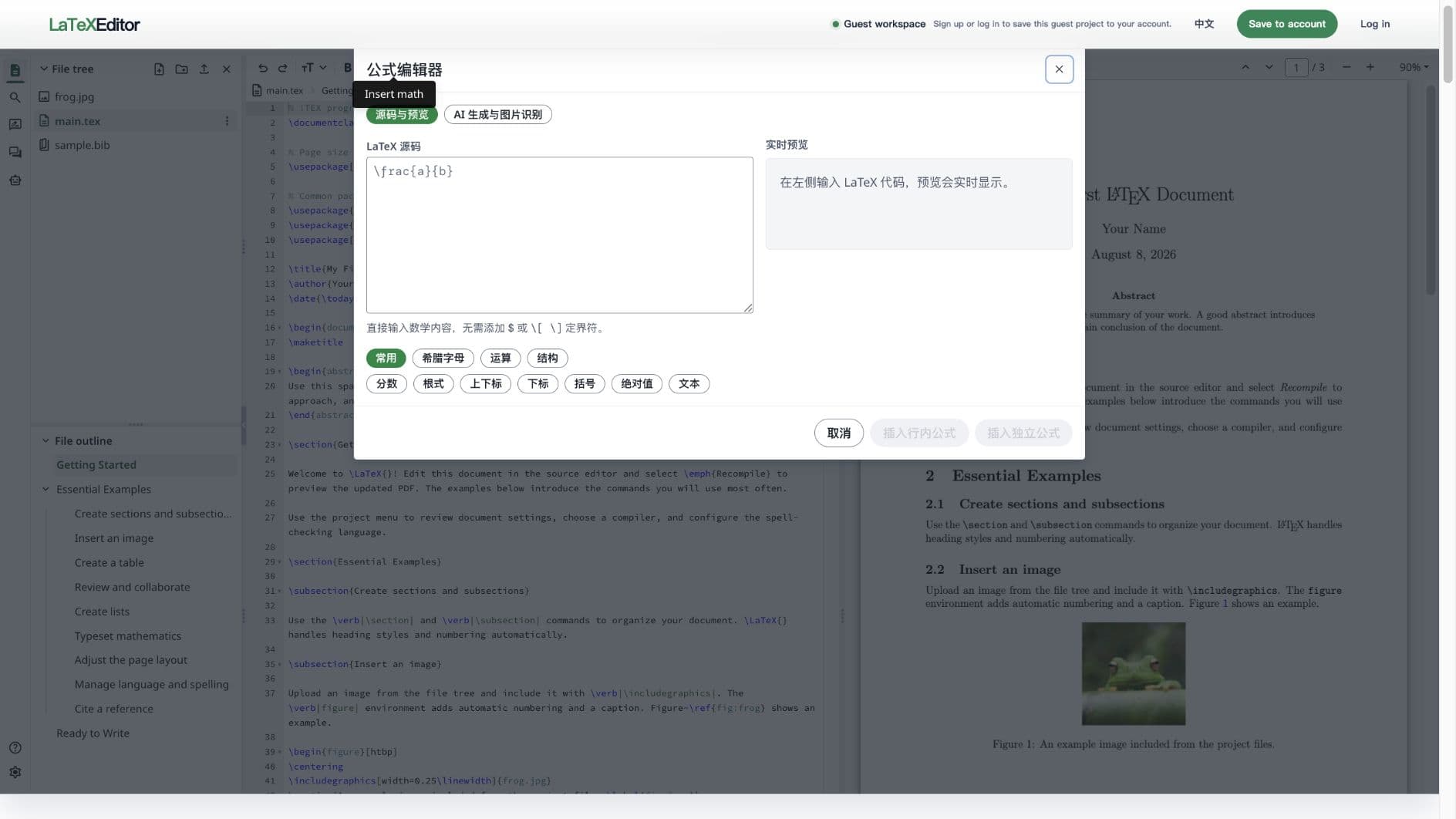
Build the equation without leaving the editor
Choose a built-in formula template, edit LaTeX with a live preview, describe the equation in words, or paste a formula image and turn it into editable source.
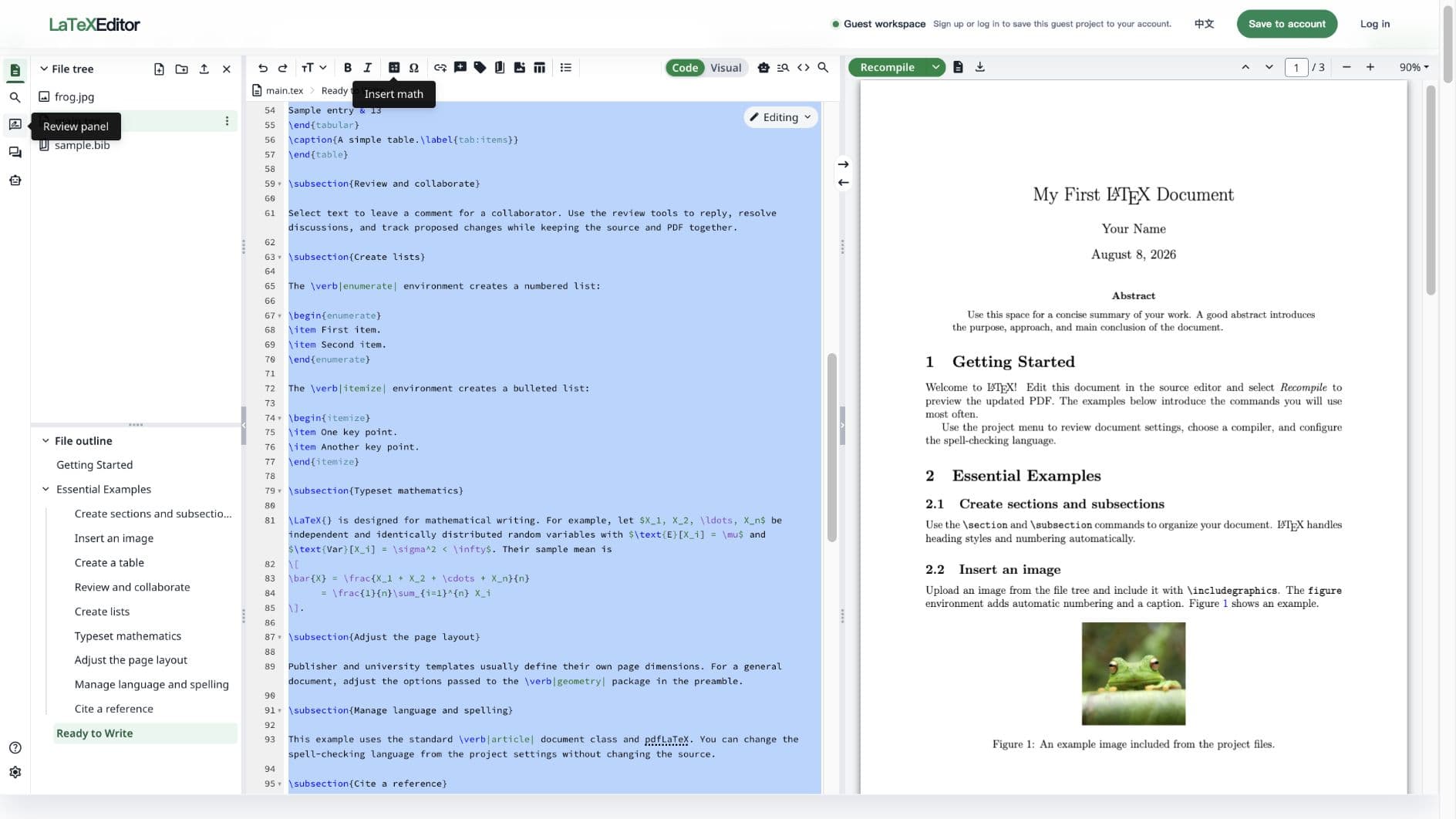
Review together and compile the result
Keep coauthors, comments, revisions, source files, and the compiled PDF in one project so every review round starts from the same document.
Purpose-built for research writing
The difficult parts of academic LaTeX, brought into one workspace
LaTeX Editor combines academic writing assistance, a complete formula workflow, and collaborative document production. Each tool returns you to editable source instead of creating another disconnected copy.
AI academic writing
Improve academic prose without breaking your LaTeX
Work with the text that is already inside your document. The AI writing tools can rewrite a selection, make its tone more academic, suggest focused language edits, or generate a title and abstract from selected source. The assistant is instructed to preserve LaTeX commands, citations, references, labels, environments, and math, and you review the result before replacing anything.
- Academize selected text or rewrite it with your own instruction
- Generate a title or abstract from selected source
- Review sentence-level suggestions before applying them
Integrated formula workspace
Create equations from templates, words, or an image
Open the formula editor from the mathematics toolbar and keep the whole equation workflow beside your document. Edit LaTeX source directly, choose built-in formula templates and symbol palettes, inspect the live MathJax preview, or ask AI to generate a formula from a description or image. The result remains editable and can be inserted as inline or display math.
- Structured built-in formula templates for common symbols and layouts
- Image-to-LaTeX recognition from pasted or uploaded formula images
- Live preview with direct inline or display-math insertion
Real-time collaboration
Write with coauthors and review with supervisors
Invite the people who shape the paper into the same LaTeX project. Coauthors can work from one source, discuss a passage in context, review tracked changes, and use document history to understand how the manuscript evolved instead of reconciling attachments after every round.
- One active LaTeX project for authors and reviewers
- Comments and tracked changes in document context
- History that supports iterative academic review
Designed around real research friction
Use AI where it helps—and keep scholarly judgment with the author
The workspace is most valuable when language, mathematics, and feedback all need to remain connected to a precise LaTeX source. It supports the work around the argument without pretending to replace the researcher behind it.
Academic language refinement
Turn an awkward or overly conversational passage into clearer academic prose, then review the proposed wording before applying it to the document.
Equation-heavy STEM writing
Build matrices, derivatives, integrals, aligned equations, and other mathematical structures from templates, descriptions, or existing formula images.
Coauthor and supervisor review
Discuss changes beside the source, keep the active manuscript in one project, and reduce the time spent reconciling competing document copies.
Long-form papers and theses
Keep chapters, citations, equations, language revisions, feedback, and PDF output connected across the long review cycle of a substantial document.
A formula should not interrupt the argument
Three faster ways to create an equation
Use the path that matches what you already have: a familiar mathematical structure, a description of the result, or an image that needs to become editable LaTeX.
Start from a formula template
Choose common symbols, Greek letters, operators, matrices, cases, aligned structures, vectors, and other prepared LaTeX patterns, then edit the details.
Describe it or paste an image
Explain the equation in natural language, paste a screenshot from the clipboard, or upload a formula image and let AI return editable LaTeX source.
Preview, adjust, and insert
Check the rendered equation, correct the source if needed, and insert it into the active document as inline or display math without copying between websites.
Start with a proven structure
Thousands of free LaTeX templates
From publisher-approved research article templates and university thesis formats to reports, presentations, CVs, and much more. Start with the structure your work already needs, then make the source your own.
Browse featured templates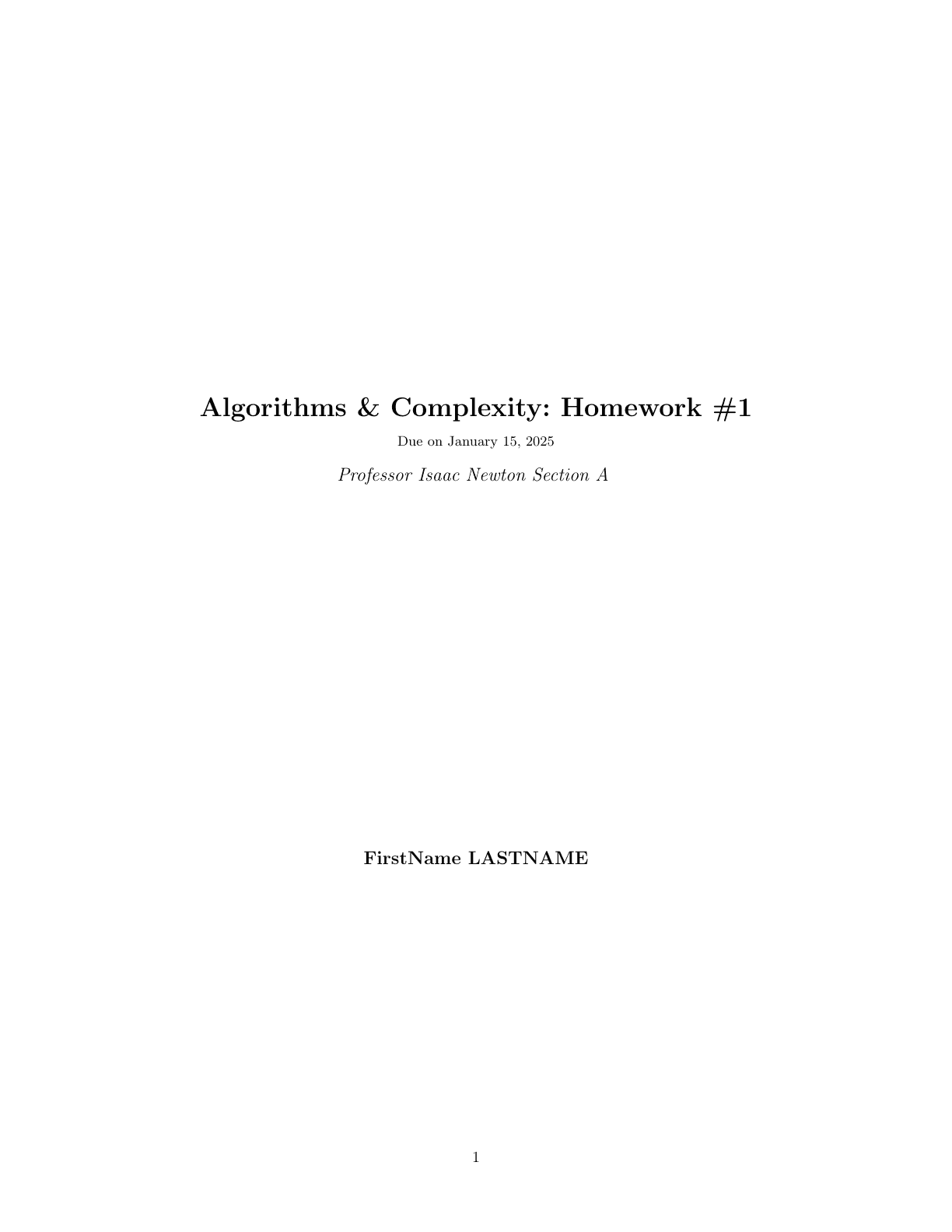
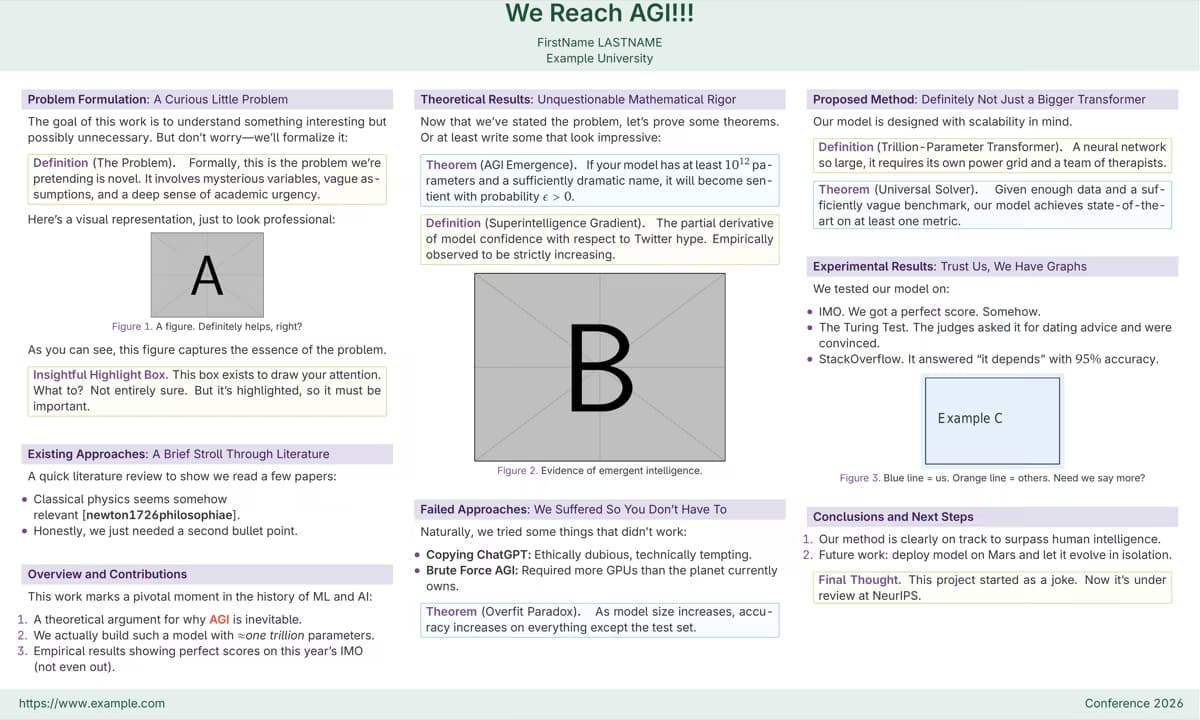
Journal and conference articles
Begin with publisher and conference formats designed around abstracts, sections, citations, figures, equations, and submission-ready references.
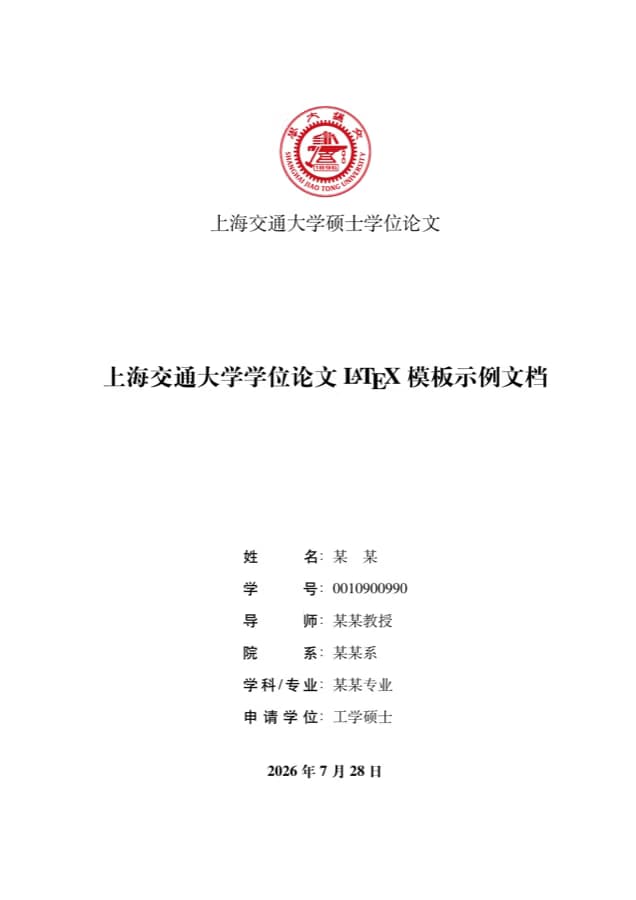
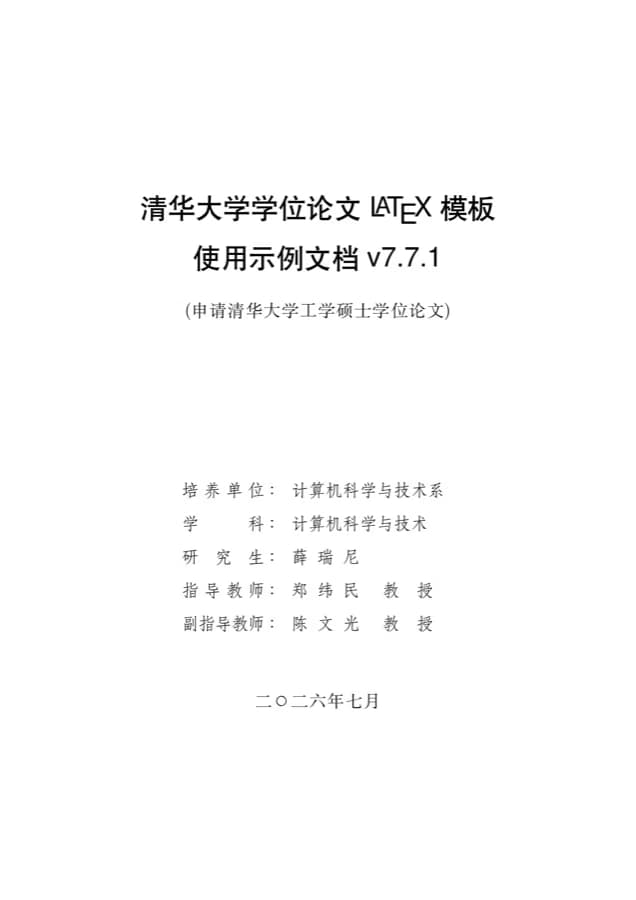
Theses and dissertations
Choose long-form structures for university requirements, front matter, chapters, bibliographies, appendices, and consistent academic formatting.
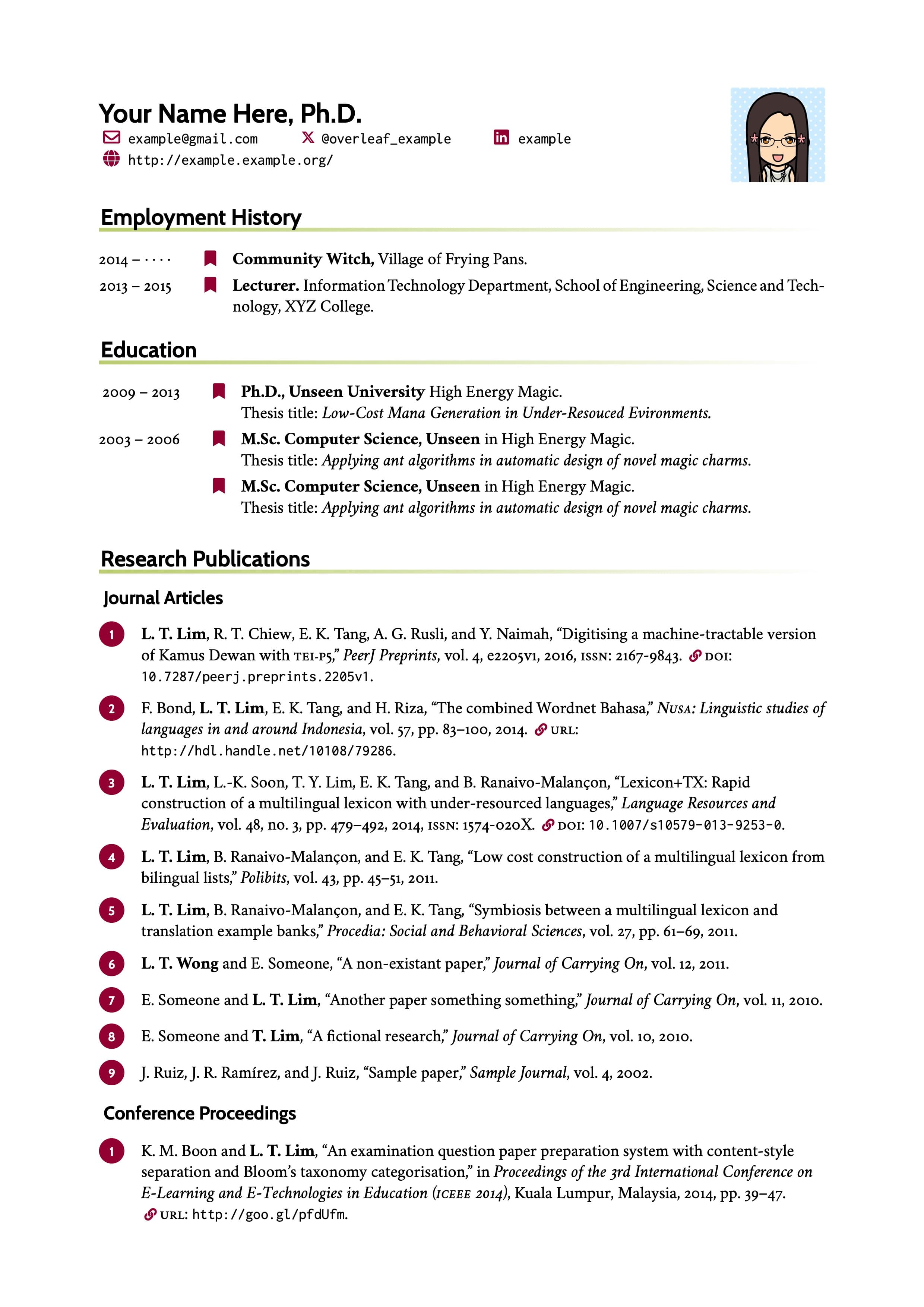
Reports, CVs, and presentations
Move beyond manuscripts with practical starting points for technical reports, coursework, résumés, posters, presentations, and professional documents.
Why this workflow is different
The AI stays close to the source—and you stay in control
Academic writing needs more than a generic chat window. Suggestions must respect LaTeX structure, equations must remain editable, and collaborators must see the same evolving manuscript.
Academic help in document context
Writing actions focus on the selected source, while the assistant can use the current document context to make its response more relevant to the work in progress.
Equations remain editable
A recognized or generated formula returns as LaTeX source with a live preview—not as a static image that becomes difficult to revise later.
One source of truth for the team
Authors, supervisors, and reviewers can work around the same active project instead of passing increasingly inconsistent files between tools.
Review before replace
AI suggestions are presented for inspection so the author decides what belongs in the manuscript and what should be rejected or revised again.
About the integrated workflow
Frequently asked questions
What the academic AI, formula editor, and collaboration tools are designed to do inside a LaTeX project.
What can the AI writing tools do?
You can select source text and ask for a rewrite with your own instruction, make the wording more academic, generate a title or abstract from selected content, and review sentence-level language suggestions. The general assistant can also discuss the current document context and help identify areas that may need clarification, citations, a figure, or a formula.
Will AI automatically overwrite my LaTeX source?
No. Writing results are shown for review before they replace selected source. The system instructs the provider to preserve LaTeX commands, citations, references, labels, environments, and math, but the author should still inspect every suggestion before applying it.
What is included in the formula editor?
The integrated formula workspace includes direct LaTeX source editing, a live MathJax preview, palettes for common symbols and mathematical structures, AI generation from a natural-language description, and image-to-LaTeX recognition.
Can I convert a formula screenshot into LaTeX?
Yes. Paste or upload a supported formula image in the AI formula panel. The recognized result returns to the source-and-preview panel as editable LaTeX, so you can verify and correct it before insertion.
Can the generated formula be inserted directly into my document?
Yes. After reviewing the source and rendered preview, insert the equation into the active document as inline math or display math. There is no need to move the formula through a separate website or copy it back manually.
Can multiple people work on the same LaTeX paper?
Yes. Collaborative projects let coauthors and reviewers work from the same source, discuss changes in context, and follow the manuscript through comments, tracked changes, document history, and compiled PDF review. Available limits can depend on the selected plan.
One research workspace. Fewer disconnected tools.
Write, refine, formulate, and collaborate without leaving your LaTeX project
Keep academic language improvement, editable equations, coauthor feedback, source files, and PDF compilation connected from the first argument to the final revision.
Can we connect this claim more directly to Figure 1?
Reply · Resolve